Author: Robert Szczygielski

  • Security in an IT company

    Security in an IT company

    IT security should be an absolute priority for every entrepreneur. Even the smallest loopholes in the system can cause serious losses and expose the company not only to costs, but also serious problems. Securing information about contractors or company finances is the basis of a successful business. Therefore, it is worth using IT services that, by implementing appropriate procedures, will reduce the risk arising from cyber threats.

    IT security in a company – what is it about?

    Simply put, IT security in a company is a set of procedures and solutions in the field of information technology, which aims to minimize the risk associated with the use of company’s IT equipment and its network. Therefore, IT security is associated with building processes that will ensure operation of individual devices that will be in accordance with intentions and expectations of users. However, implementiation of the system-security is a long-term process that is difficult to accomplish. Errors and faults that can lead to irreversible data corruption are very common. That is why it is so important to utilize the competence of specialists in this field and to employ an IT company that will help to eliminate such problems.

    IT security – the most common mistakes

    1. Design errors

    Design errors are simpy called bugs of the software. They usually result from erroneous IT protocols and encryption, which become vulnerable to attacks. It is also often the case that the authentication process does not fulfill its original function. Here, banking applications are a good example. They are more and more often attacked by hackers, and losses in such a case can be huge. Giving up installing applications that arouse suspicions is a good approach to this problem.

    2. Operator errors

    An operator error is an incorrect  behavior of a user who does not have adequate training and often does not understand the principles of safe use of software or the IT system in a company. Opening email’s attachment of unknown origin is one of the most common mistakes. Such an attachment can carry a virus, which through carelessness can infect not only specific equipment, but the entire system and can paralyze the company’s work. Ignoring warning messages is another example of a very common operator error. This mainly applies to attachments that theoretically come from a trusted source. Although the system indicates that the attached file is a threat, the user opens the attachment. In this case, the only solution is to use the services of an IT company that will properly train staff and implement data protection processes against loss.

    3. Lack of anti-virus

    Sometimes companies give up installing high quality anti-virus software. And yet a good antivirus can block a dangerous file or other attempted attack by malware. Specialists from an IT company with appropriate knowledge and experience are able to advise which protection will be most effective.

    4. No password protection

    Unfortunately, many IT-system users still do not pay attention to protecting their passwords. It often happens that the passwords set by employees are too short and easy to guess. However, the biggest problem is that often passwords are not protected in any way and, therefore, unauthorized access to then is very easy.

    Disturbing the company’s IT security can be extremely easy if proper procedures are not implemented. Recklessness of employees or access to your company’s email is all  wht is needed to infect equipment and effectively disrupt your business, exposing it to big losses. Professional IT service is becoming a good habit in companies for which maintaining the highest standards of system security is important.
  • How to take care of computers?

    How to take care of computers?

    Computers are the basis of modern business. Most, if not all, companies, use both desktops as well as laptops in their daily work. However, you need to properly take care of your equipment in order to make it work flawlessly and serve for many years,

    Below are some rules on how to take care of your computer every day, so that it is a stable foundation of your company.

    1. Ventilation

    Every computer generates heat during work. The more efficient the computer, the more modern components it has, the more heat it produces. In modern computers heat dissipation is not a problem, because they have an extensive cooling system. Nevertheless, after some time the ventilation holes begin to clog for exampe simply by dust. To avoid overheating, make sure you clean your computer regularly.

    2. Computers need component cleaning

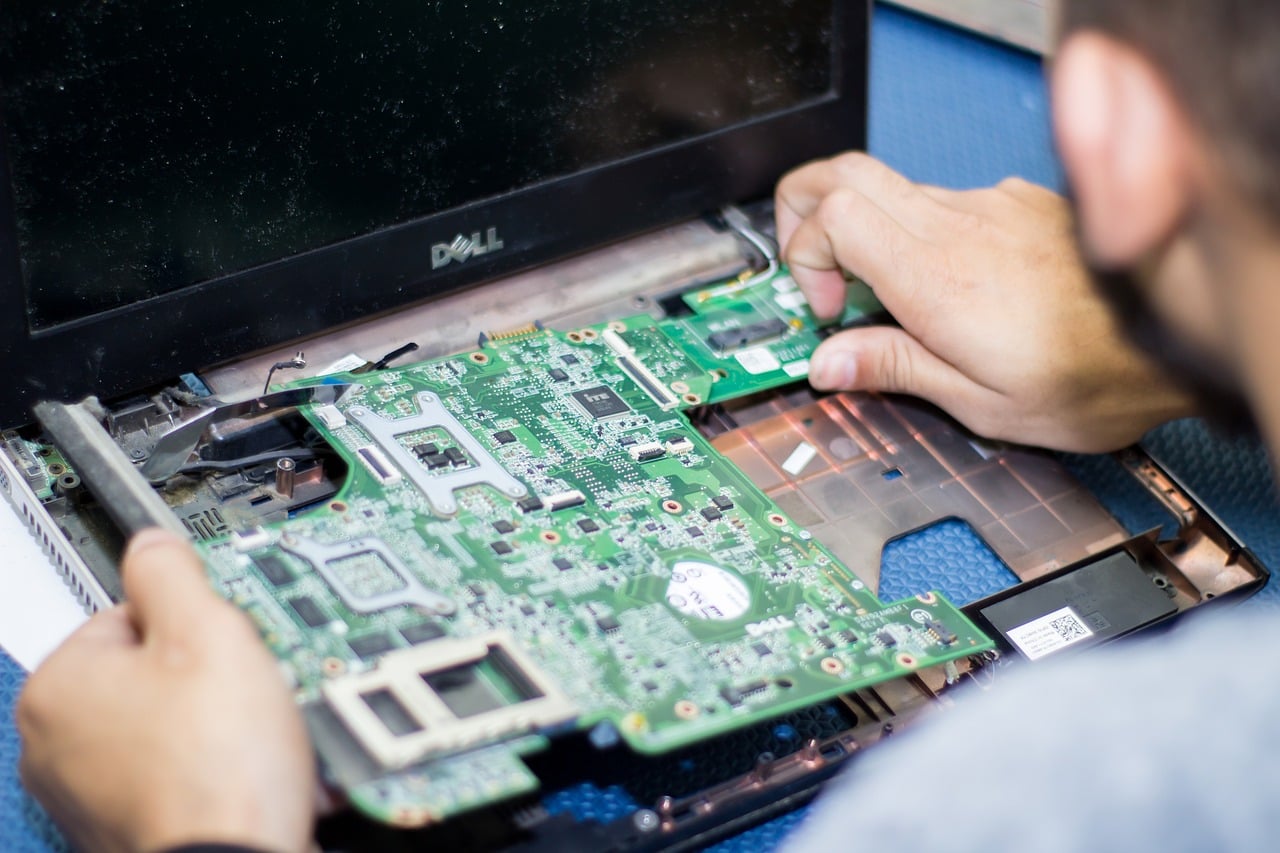
    Not only ventilation is exposed to dust. When dust enters the interior of the equipment, it can do considerable damage to important components such as the main card, the graphics card, the sound card or even the heat sinks responsible for cooling. It becomes even more dangerous when dust is combined with moisture, as it can lead to short circuits. That is why it is so important to vacuum the inside of the computer at least once a year. However, prior to such action one should make sure that the opening of housing and the intervention inside the computer will not violate the terms of the warranty. The best solution is to hand over the equipment to a specialist who will do it for you.

    3. Computers and power grid failures

    Even the most modern computer can be completely defenseless in the event of a sudden increase of voltage in the elctric grid, which can be caused for example by  power failures or adverse weather conditions. To avoid such situations, it is worth investing in a good-quality surge protector.

    4. System backups

    Threats to our computer may also be lurking in its system. Malware can cause system failure, which even within a few minutes can destroy any modern operating system. Therefore, it is necessary to take care of an appropriate anti-virus program, install the necessary extensions, update the software and implement the necessary drivers frequently. In addition, you should always back up your system so that, in the event of a failure, you can restore it from an independent external disk, without having to reinstall all the software. It is recomended to carry out a backup of the system at least every few months.

  • Secure network in the company

    Secure network in the company

    Nowadays, the Internet has grown so much that daily work of most companies depend on its operation. Electronic mailboxes, sales systems, administrative panels, websites, marketing – the Internet offers a lot of possibilities, but you must also remember that there are also threats behind these opportunities. Entrepreneurs must therefore be aware of dangers lurking in the network and ishould mplement appropriate safeguards in order to protect themselves from them. How can a secure network not be a luxury good for business?

    Secure network – what to look for?

    Many Internet users think that a good antivirus software will do the trick and eill fully protect them against online threats. Unfortunately, nothing could be more wrong. Antivirus program protects the hardware, and what about the network itself ? Securing the network devices, i.e. Wi-Fi routers, ensuring the stability of the network and training employees on principles of secure Internet-use should be priorities of every company and are milestones in protection against massive and costly losses.

    1. Secure network and router.

    Securing a router is the basis of the network-security system in a company. Why ? Because router provides Internet access to all users. If your company uses a Wi-Fi wireless network, it’s especially important not to give unauthorized access to it. Factory settings of routers, unfortunately, do not give full protection and, therefore, you need to properly configure the device. First of all, pay attention to the access data to the router’s administrative console, i.e. change the default password and choose your own one that will be difficult to guess. The same applies to access data for a wireless connection. Here you need to ensure proper encryption (WPA2) and a strong network password. It is recommended that the network password is long, contain uppercase and lowercase letters, as well as special characters.

    2. Safe use of the Internet

    One should keep in mind that even the best anti-virus programs or network security will not fulfill their function in case of prudence of users. Setting passwords that are weak, i.e., easy to crack or to guess, as well as opening suspicious attachments are the most common causes of computer infections and can disarm even the best security systems. That is why proper employee training is so important.

    3. Spare link

    Ensuring a stable and uninterrupted Internet connection is, contrary to appearances, a very important issue. Using services of only one company supplier can result in discontinuity of the work of a company. A few hours of breakdown and downtime in access to the network can completely paralyze a business that is mainly based on Internet services. Therefore, it is recommended that entrepreneurs cautiously take care of a spare, independent Internet connection.

    4. Emergency power supply

    A stable internet connection is not everything. When most of the systems in the company rely on online operation, you also need to ensure a constant power supply. For a small business, sometimes a well-charged laptop with mobile internet access is enough. For larger companies with more devices, this may not be enough. I such a case a dedicated emergency power supply is the only proper solution.

    A properly secured and stable network is nowadays the basis of proper functioning of almost every business. It is therefore worth taking care of the structure of the network already at the stage of its planning and building, without the stress of failures and unforeseen downtime later on.

  • What is WordPress?

    What is WordPress?

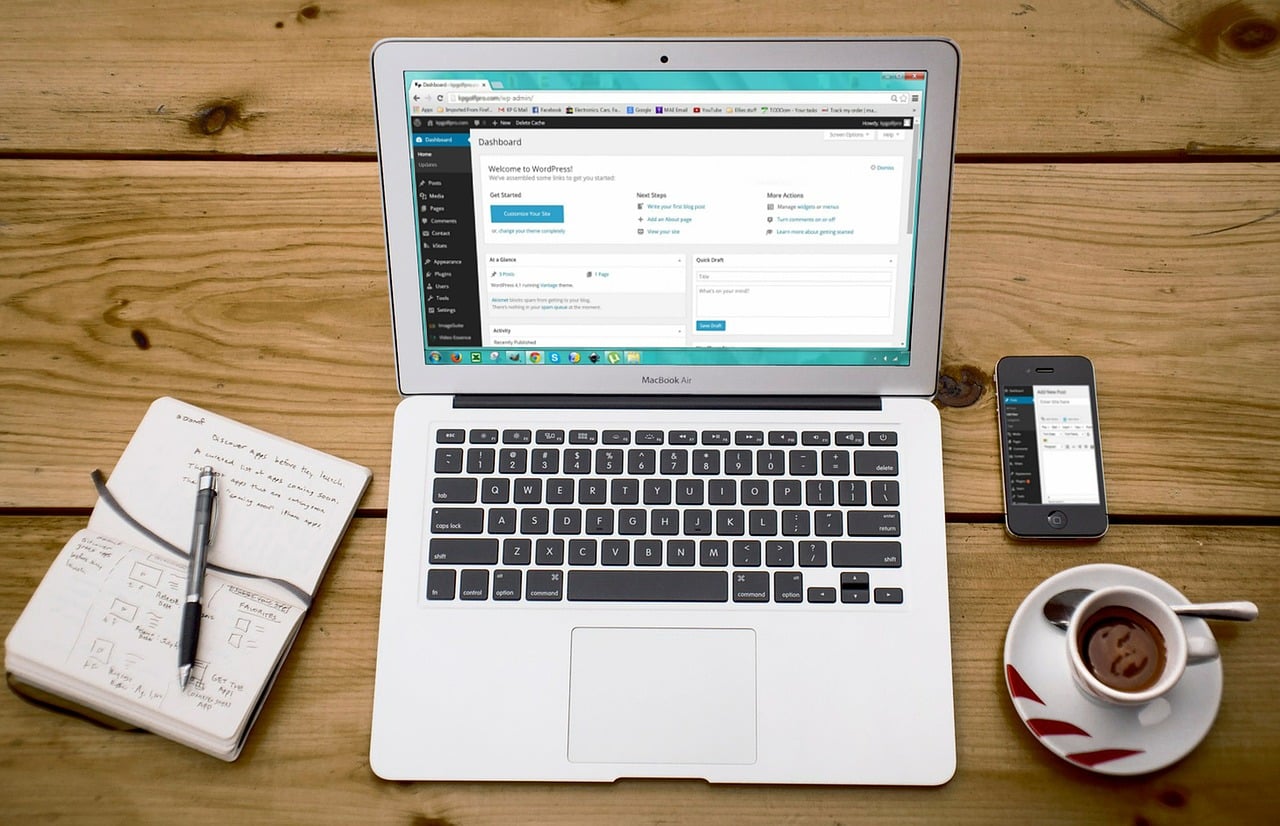
    Currently WordPress is considered the most popular and, at the same time, the most intuitive software for creating websites. Over 25% of websites were created based on WP.

    What exactly is WordPress?

    WordPress is a content management system, or CMS (Content Management System) for short. So it allows you to create a website without knowledge of programming methods or outstanding graphics capabilities. Moreover, it is a completely free solution . There are no subscriptionsfeees to it, and the only costs associated with creating a page with WordPress is related to maintaining the domain and to hosting. The undoubted advantage of WordPress is its simplicity, intuitiveness and speed of operation. Thanks to this, creating websites of companies has become easy and effective. The WP repository, which is quite extensive and abundant in innovative solutions, gives almost unlimited possibilities to change the appearance of the page and adapt it to your needs.

    It is also worth mentioning that WordPress is an open source software. What does it mean ? First of all, the WP engine is being developed by hundreds of volunteer programmers from around the world, who are working on its expansion and improvement. Similarly, thousands of freelancers and webdevelopers work every day in order to create new templates and plugins, which improve the operation of websites.

    Application for WordPress

    WordPress was intended to create blogs. Currently, it is increasingly used in the area of ​​designing other websites or even large stores. The WooCommerce plugin turns out to be useful for the latter. Equally often, representative company-websites are created on WordPress. Thanks to the possibility of creating many subpages, i.e. for example, : ” About us “, “Offer” or “Contact” becomes one of the most effective ways to reach potential customers. Thanks to its extensive settings, WP can be also used for example to create a portfolio of an artist or a photographer, a simple online business cardof a small company or an information platform of a local news magazine. The option of assigning roles to individual users of the site allows to easily and efficiently manage the logistics of many editorial staff.

  • Remote desktop and administration

    Remote desktop and administration

    Remote Desktop is a service consisting of sharing an image from the screen of one computer with another IT device. This solution effectively allows a remote person to use our equipment. The remote user has a preview of what is currently happening on our desktop on his own, remote monitor.

    Remote Desktop – What is it for?

    A remote administration can be a reliable solution for example when we need access files on another computer while on delegation to a different place. In order to make such a remote connection, the equipment must be properly configured in advance.

    The remote desktop will also be useful for example when you need to get technical support and help from a specialist, who is in remote location. Usually such a solution is used by IT specialists in companies where they are able to remotely fix a problem or to make changes on the computer of another employee.

    Remote Desktop – ways to use it

    You can use the remote desktop in many different ways and through various applications or software. The following three methods are the most popular ones.

    1. Method one – using the remote access function built into Windows. It is available on all versions of Windows from Windows 7 to Windows 10.

    2. Method two – using Google Chrome and the ” Chrome Remote Desktop ” option available from its level.

    3. Method three – using a specially dedicated application for remote desktop administration and implementation of remote connections with other devices.

    Remote desktop – requirements and configuration

    However, regardless of which method of using the remote desktop you choose, it is necessary to properly configure and prepare the device you intend to use. The basis of any activities in this area is of course an unlimited internet connection. Without this, you will not be able to remotely access the computer. This means that not only the hardware, but also the router must be powered continously. However, this is not the same as the term “permanently on”. Although few know it, a computer that is connected to the power grid is never really turned off completely. The function of remotely turning on a computer that is in a sleeping mode or turned off is called Wake on LAN . In such case, the waking device (router, computer, smartphone)  generates a specific network packet ( a magic packet ) through a dedicated software. As soon as this pcket enters the network interface of the target-computer it will turn it on. In order to catch this signal the target device must be connected to the network with an Ethernet cable.

  • Ransomware – how to protect yourself?

    Ransomware – how to protect yourself?

    Most probably every user of a computer or IT systems has heard of ransomware. Unfortunately, this one word means an intruder who can cause a lot of problems and even more damage. What is it and how to protect oneself against it ?

    What is ransomware?

    Ransomware, also known as rogueware and scareware , is a type of particularly malicious and moreover very effective software that absolutely blocks access to files stored on a computer . It usually encrypts them and demands a “ransom” in exchange for unlocking them. Sounds ridiculous, because it’s just software, but in practice it is not so absurd. Ransomware is a product of gifted and sophisticated cyber criminals, who know perfectly well what they want to achieve. It can infect absolutely any operating system and any device, usually via a  email with a malicious attachment (invoice, order information, attached CV in the case of companies). It can also happen that infection occurs through the browser, for example when we visit a site infected with such a script or when we click on the banner with an ad, which aims to take advantage of the browser’s weakness.

    How to protect yourself from ransomware attack?

    Ransomware is a threat of high complexity, which is difficult, but not impossible, to be defeated. One needs to know how to protect himself and not to delay the protecion, in order to minimize the likelihood of the attack and subsequent extortion. The easiest way to recognize, remove and prevent this type of attack is to use anti-virus software. However, it must be active at all times and regularly updated. It is equally important to protect data on a regular basis by doing back-ups (backups) and storing them on external disks. Thanks to this, in the event of a ransomware attack, instead of paying for decrypting files, one can recover them by himself.

  • Two-step OTP authentication

    Two-step OTP authentication

    Rapid development of information technologies, although associated with various improvements of IT operations of companies, gave also rise to cyber threats. Improvement of security standards, which ensure the highest level of data protection, becomes nowadays a priority for many companies. In regard to this, introduction of more advanced authentication, such as OTP, is worth a consideration. OTP is type of a two-step authentication that uses a one-time password algorithm. Such authentication procedures are used even by Google .

    OTP authentication – what is that ?

    Before we explain how OTP authentication works, we need to mention what a two-factor authentication system is. Two-factor authentication, also known as multi-factor authentication, is nothing more than an additional layer of user-account security. The operation of this system is based on the fact that when logging in, the user must take an additional step, apart from entering the password, in order to log in. This is an increasingly popular and also the safest login method. The criminal, wanting to break into the system, must capture not only the password, but also a one-time code, which is not that easy.

    There are currently two methods for obtaining a one-time password:

    – SMS – every time one tries to log in, a one-time authentication code is sent to the phone number provided by the user.  The code is usually only active for some time;

    – OPT – a more complicated authentication method, which, in a nutshell, is that the user is asked to scan a QR image using a special application. This in turn generates a one-time password for the user.

    How does OTP authentication work?

    The OPT method allows you to generate a one-time access password on the user side, not the server side. This password is generated through the application installed on the smartphone. This allows unrestricted user access to his account, without a necessity of sending a text message with a password every time one tries to log in.

    Two-factor authentication definitely becomes an increasingly popular method of protecting against cyber threats and a method often used by many IT systems. Companies that want to implement the most effective ways to protect their data should consider to use the two-step OTP authentication. It is not only a less complicated method than the one based on sending SMS messages, but also a more effective one.

  • NextCloud for companies

    NextCloud for companies

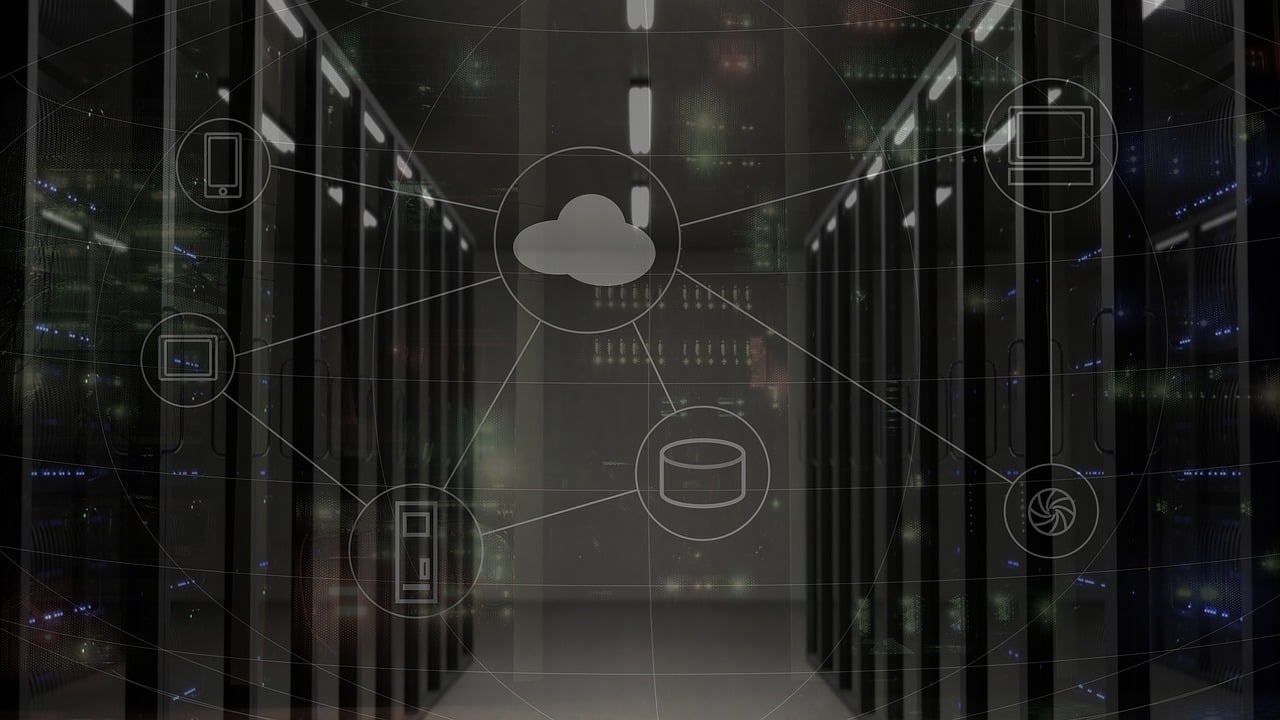
    NextCloud is a private cloud system that is equivalent to a popular public cloud, but better protectedthan the latter, because it is not exposed to cyber threats. The operation of a private company cloud is based on the fact that the system responding to the software is installed on the company server. As a result, company’s data does not leave its location and is better protected. Expanding the  cloud is not associated with additional costs of annual subscriptions, but only with the expansion of local server resources. NextCloud also works well in companies that do not have sufficiently fast Internet connection needed to exchange data with a server on the Internet. Moreover, it is possible to configure access to the company’s cloud from anywhere in the world by using a VPN connection in case of working remotely.

    The NextCloud private cloud system is free. It is installed on the company’s server, to which it connects via a web browser. The system gives individual users appropriate privileges with access to data and activities that they can carry out as part of their work.

    NextCloud – basic product features

    – Saving, exchanging, deleting and sharing company’s files via the network.

    – Providing encrypted and time-limited links to users who do not have an account in the system.

    – Encryption function that guarantees the security of data storage and transmission.

    – Synchronisarion of data on mobile devices, laptops and desktops.

    – Access to data without connecting to the server.

    – Intuitive interface via a web browser or application installed on a mobile device.

    – Integration with disks / servers / external services, such as Google Drive, Dropbox.

    – Organization of group work (joint work on tasks, synchronization of contacts, calendars and e-mail accounts).

    – Synchronization of mail and calendars with external services such as Outlock, Mozilla etc.

    – Possibility to extend functionality by installing additional modules.

    NextCloud is a great solution if you need to have access to your data from several devices. Synchronization occurs automatically as soon as the devices are within range of the company’s network. It is also possible to connect through a VPN in a remote situation.

  • What is the GDPR in IT

    What is the GDPR in IT

    On May 25th, 2018, implementation of the principles of the EU GDPR Regulation has become a major challenge in legal and organizational terms. At that time companies had to confront the reality with the requirements of the directive. However, they were not fully aware of how to approach the GDPR from an IT point of view. So what should you know to avoid unpleasant surprises and costly penalties?

    GDPR in practice

    The purpose of the EU GDPR regulations is to standarise the protection of personal data in all EU Member States. The regulations have an effect also for all companies outside Europe that process or will process the personal data of EU citizens. Due to the fact that the GDPR is based on the risk analysis of personal data, for some entrepreneurs it may turn out to be a revolutionary change.

    What challenges will IT face?

    According to experts, one of the key issues, and at the same time a big challenge introduced by the GDPR for IT, will be the localization of the server, which affects the international processing of personal data. Especially when the company uses cloud services. According to the GDPR,  a high level of security of processed personal data is most important. Therefore, companies that use information systems should ensure adequate security of stored data, especially in the era of the Internet and increased cyber attacks.

    GDPR in the company

    IT is a fast-growing industry, where both new and improved system solutions as well as new threats emerge every now and then. The GDPR, however, is to be independent from the development of new technologies, and, for this reason, it does not contain specific guidelines on the protection of personal data. It only puts emphasis on encryption and pseudonymisation of personal data and on ensuring business continuity. On the other hand, it is left for companies themselves to decide on how to adapt security to the nature of their business. In addition, adapting the IT infrastructure to the new regulations must be based on an audit carried out by a specialist in the field of personal data protection. A thorough audit should address the functioning of the current security system and indicate which of its elements require modernization and adaptation to the requirements of the new regulation. The specialists are also responsible for preparing appropriate documentation, including privacy policy, which will ensure the so-called GDPR accountability.

    After analyzing and assessing the protection of personal data by specialists, it is worth starting cooperation with an IT company. It will be able to reliably approach the subject of modernizing the company’s IT systems infrastructure and deal with the implementation of procedures in accordance with the guidelines of the EU Regulation. It is important to be careful when making a selection of a partner in these activities. A company that undertakes the adaptation of comapny’s  software and IT infrastructure to GDPR should first analyze the personal data system, conduct consultations and audit. Failing to do so should raise our suspicions. In turn, after implementing the changes, it is extremely important to verify the modifications made and re-analyze the personal data system. It is equally important to regularly control the functionality of the system and maintain it in accordance with the GDPR. In order to avoid any irregularities in maintaining the personal data protection system, it should be continously supervised by specialists.

  • DLP – system operation

    DLP – system operation

    Nowadays, information is the greatest asset for almost any enterprise, regardless of the industry in which it operates. From the point of view of business, information is followed by knowledge, and in the era of competition it becomes an almost invaluable commodity. Therefore, data is the most protected value today. Is the DLP system a solution to this problem?

    Protect the company against information leakage

    Enterprises have long been concerned with the protection of personal data and confidential files stored on workstations, mobile devices, servers or in data processing centers. Especially after the implementation of the GDPR Regulation, which strongly tightened the rules related to the processing of personal data. Experience shows, however, that at the moment the human factor is the greatest threat . Why ? Because no system, even the most sensitive software or the best security are able to protect companies against mistakes or against loss of company equipment. Appropriate training of employees and sensitizing them to a new information protection policy is not always enough. However, a new security model has appeared in the IT environment. Its operation is focused on data and their processing processes, which enables effective protection against information leakage.

    What is the DLP system?

    The DLP (Data Loss Protection or Data Leak Prevention) systems focus on capturing attempts of sending information out and those of unauthorized processing at places of storage. DLP searches the system and data patterns for extra-program activities. Only if you try to send or intercept confidential data, it immediately blocks such action and notifies the administrator of an immediate threat situation.

    DLP systems are tools created to protect against the leakage of company information , and thus seal the information processing processes. There is no doubt that DLP systems, responsible for IT security in a company, support business activities and help to avoid costly losses. In addition, they reveal on which side the threat is waiting for, document the effectiveness of the implemented security policy and monitor data protection in the company.